This feature is only for TOTAL plans (to activate it in your account write to soporte@mdirector.com).
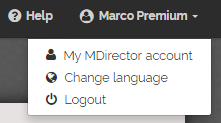
1. Click on My Mdirector account in the menu you can find on the MDirector header.
2. You will see the page "Account status" and the module called "Manage your subaccount balance".
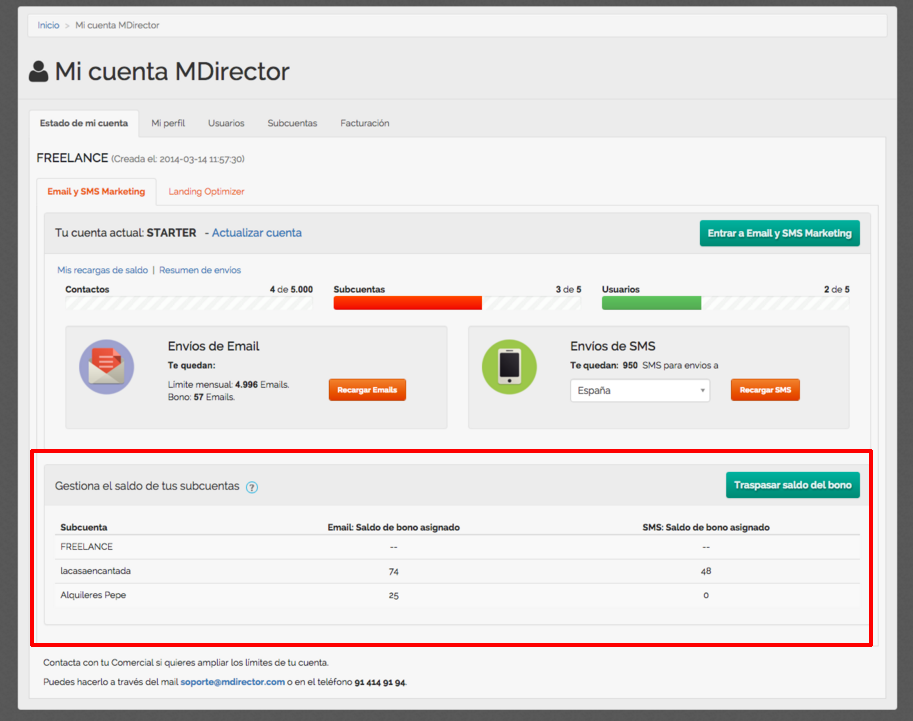
Being the administrator of the account, you will be able to:
1 - Transfer Emails of your pack to any other subaccount.
2- Transfer SMS credits from the general balance to any subaccount.
How to assign EMAIL balance to a subaccount
1. Click on the button "transfer balance"
2. A new window will be opened
In FROM you will see the information about your general account, Emails and SMS left on your balance.
"TO" is the target subaccount. Select the subaccount you want to transfer EMAILs to.
Select what you want to transfer ("Emails" in this case).
Finally insert the number of Emails you want to transfer.
Push on "Continue".

The information of your transfer will be shown. If you agree with the transfer, push on the button "Confirm Transfer".

Once you have confirmed and accepted the transfer, you will see the updated information in your "State of account" page.
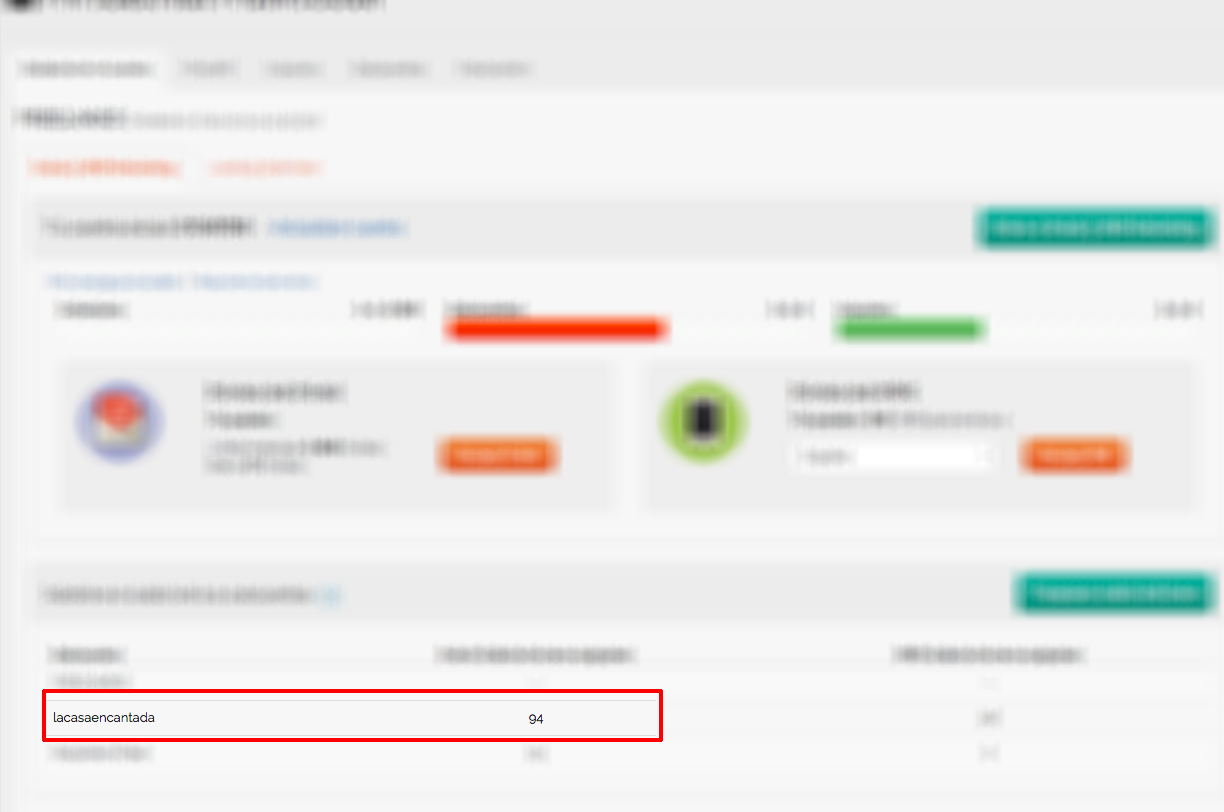
In the module "Manage your subaccount balance" and in the "Email Balance" column you will see the amount.
How to assign SMS balance to a subaccount
1. Click on the button "transfer balance"
2. A new window will be opened
In FROM you will see the information about your general account, Emails and SMS left on your balance.
"TO" is the target subaccount. Select the subaccount you want to transfer SMSs to.
Select what you want to transfer ("SMS" in this case).
Finally insert the number of SMS you want to transfer.
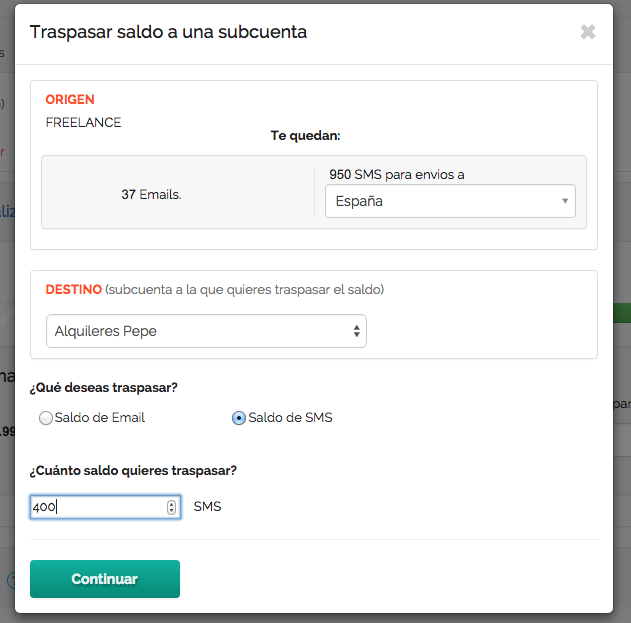
Push on "Continue".
The platform will show you the resumed info to "Confirm the tranfer".
Once you have confirmed and accepted the transfer, you will see the updated information in your "State of account" page.
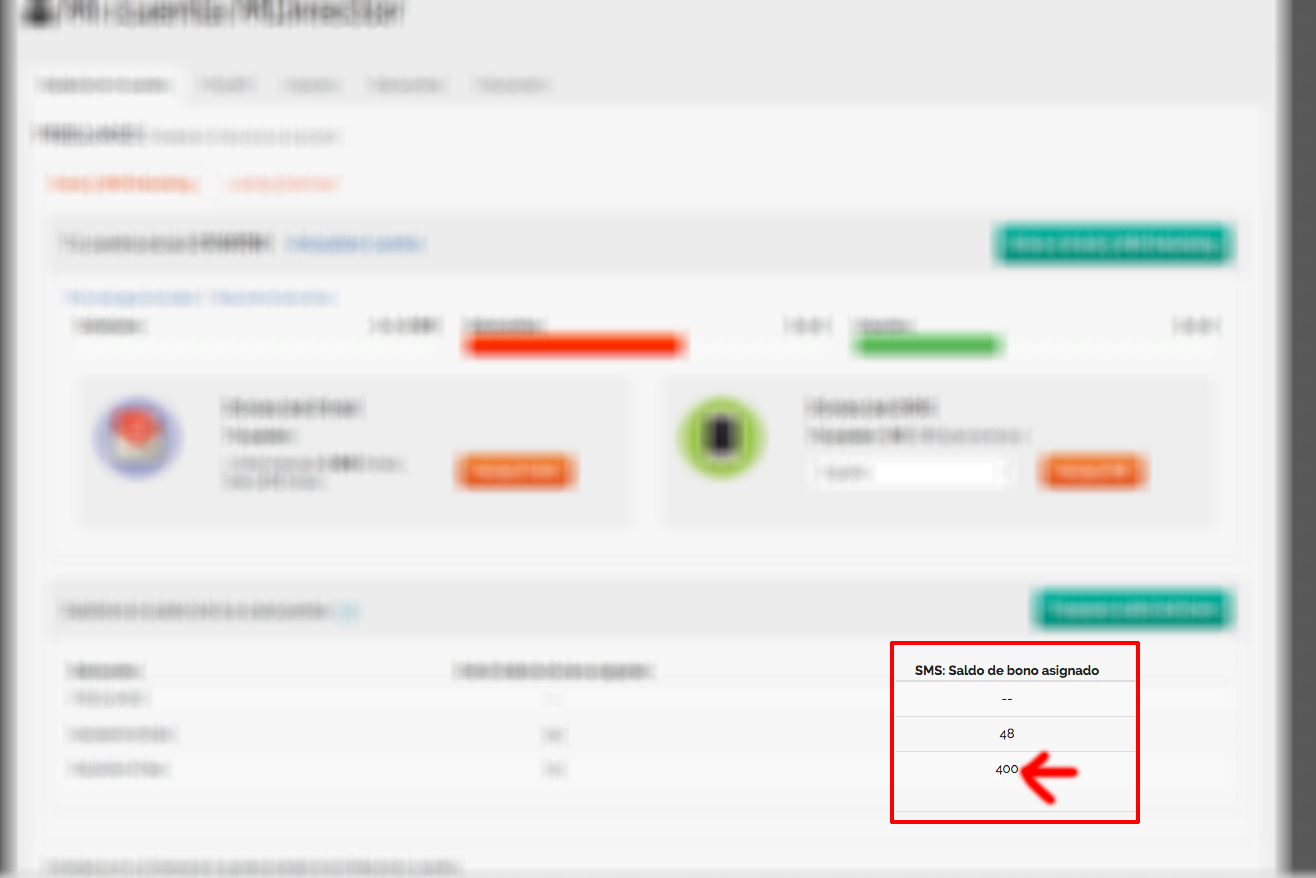
In the module "Manage your subaccount balance" on the "SMS Balance" column you will see the amount.
Comments