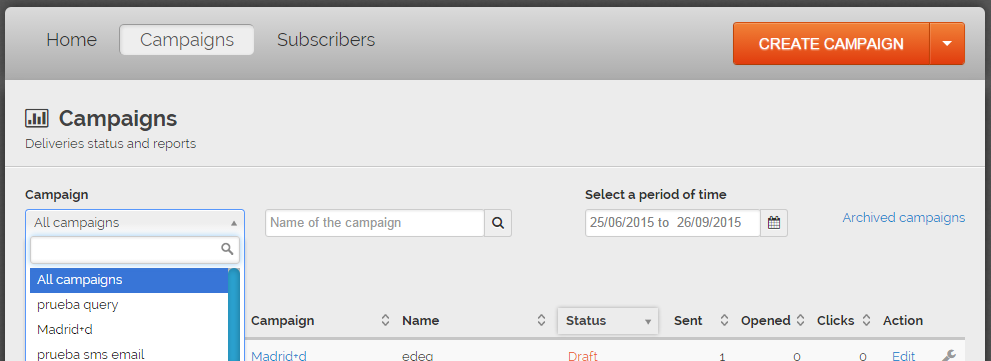
- In the main menu bar, click on Campaigns.
- Click on “All Campaigns” and choose the one you want to file:
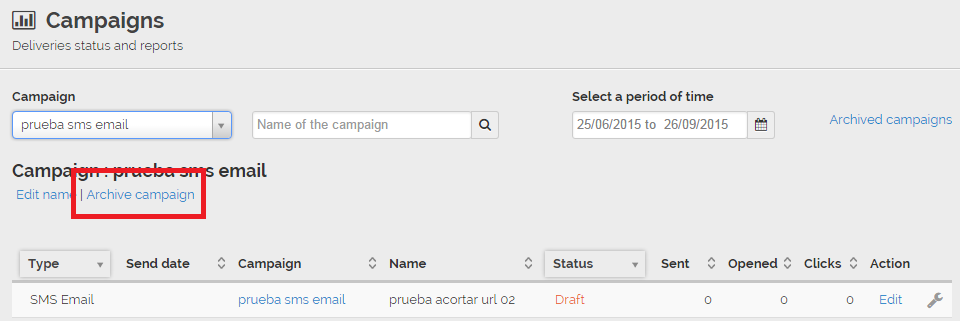
- Then click on File Campaign in order to file it.
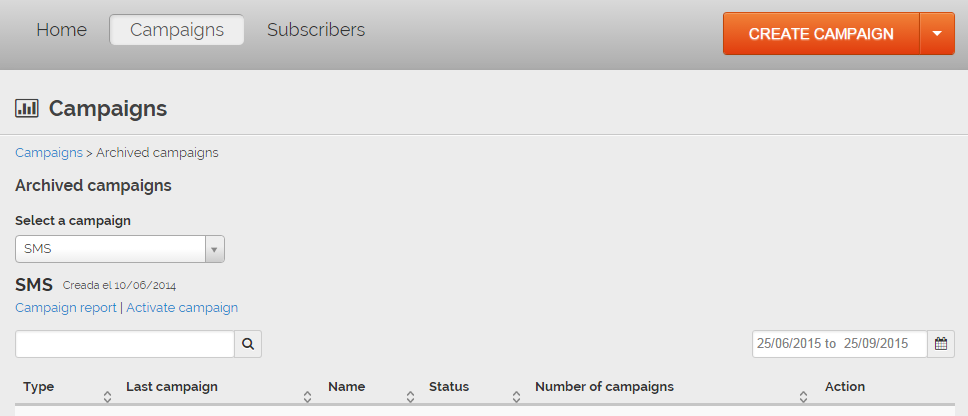
Your campaign will be saved in the Archived Campaigns page.
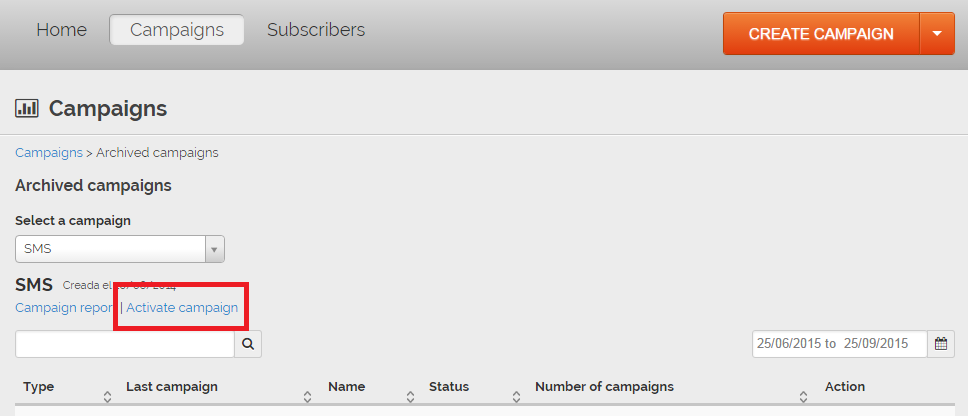
To activate it, you just have to click on Activate Campaign
Comments