Inserting HTML
Drag the HMTL element inside the workspace.
A window will automatically open where you can add your HTML block.
This feature allows experienced users to add additional content to their page such as chat plugins, videos from other sources, iFrames and much more.
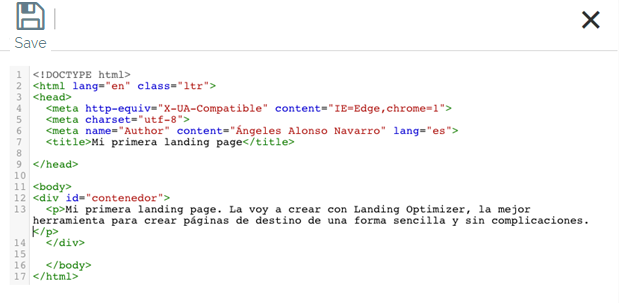
If you need technical recommendations to prepare your HTML you can consult this article where we explain this section.
Also, you can contact soporte@mdirector.com for more information.
Comments