Insert a video
1- Drag the video element into your workspace.
A new window will open where you can add your video.

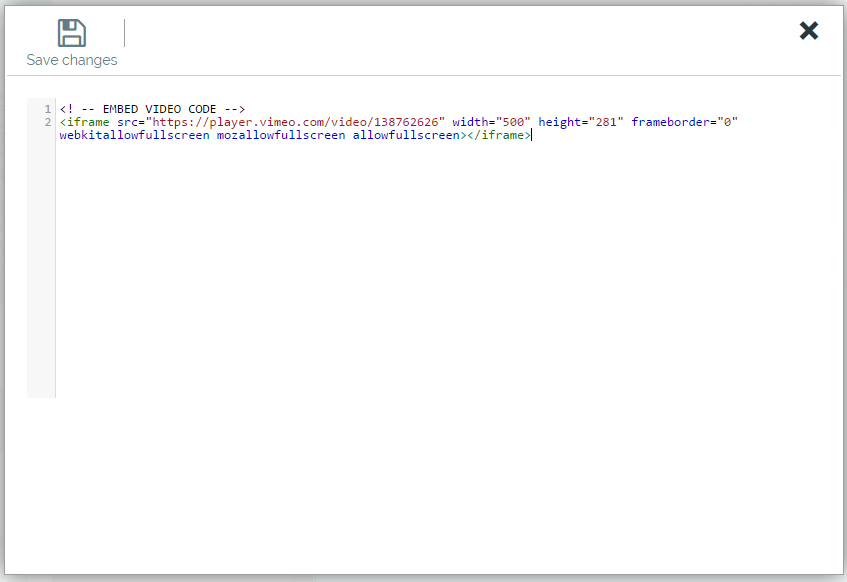
2- Insert the code. To insert this code you have to go to the platform where the video is and look for the "Share" option and then look for the "Code/Insert code" option. You will see a code similar to this one that you will have to copy into the video element that you just added:
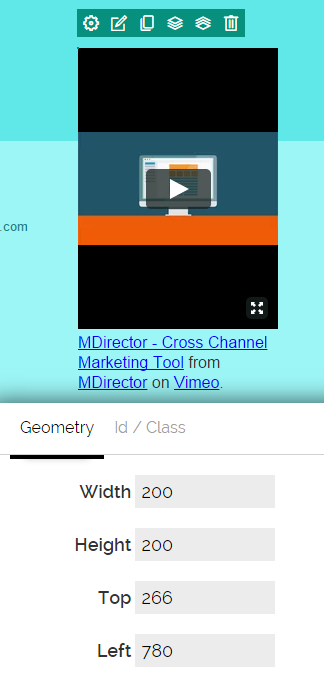
3- Edit the properties of your video in the "Edit" option. You can edit the size so that it is displayed as you want:

Comments