Inserting a call to action button
First, drag the button element into your workspace.
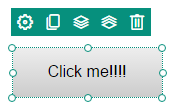
It will automatically generate a predefined button similar to this:
Editing and customizing the call to action button
1. Click on the Edit icon 
- A window will open showing the properties of the elements that you can edit.
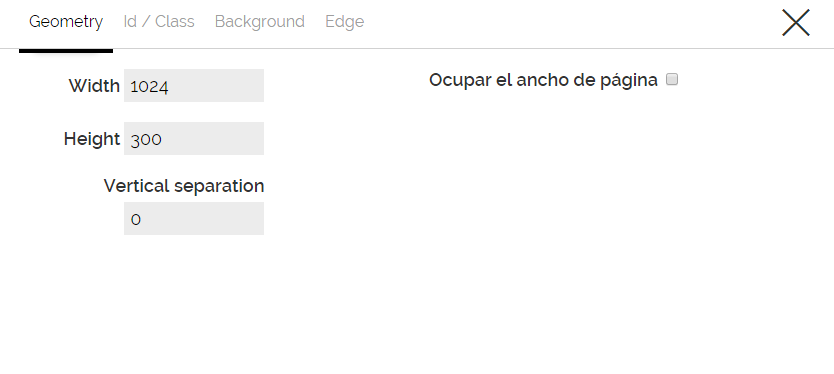
You can modify the following characteristics:
- the size of the button in the "Geometry" section,
- the link that will take to redirect the user when they click on the "Action" section,
- the text that will contain the button, its font and size, in the "Label" section,
- in "Button style" we will change the background color of the button, the border, if it should change when the pointer is over the button or when the user clicks on it.
Comments