- Drag the Text element into the corresponding section.

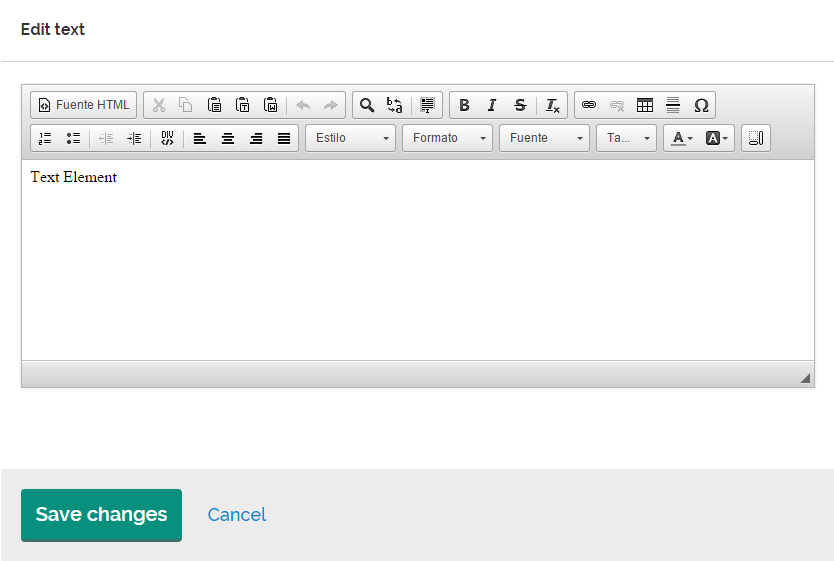
- Double click on the element to open the editing window.
Text properties
- First, drag the Text element and place it inside the corresponding section.
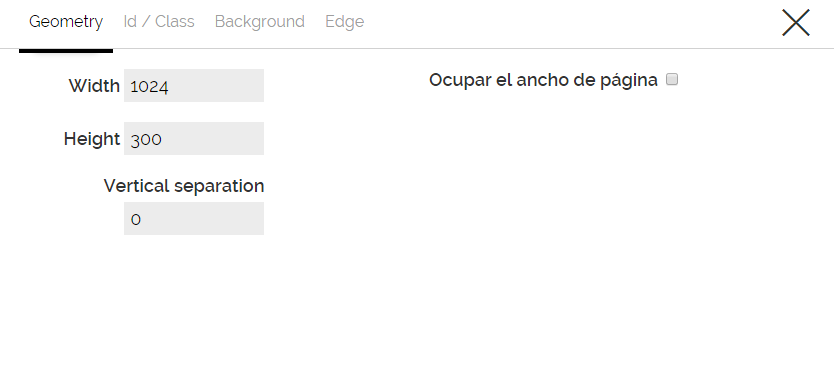
2. Next, click on the element, and then click the Edit icon  to edit its properties: the dimensions (geometry), the Id/Class, the background, the edges and content.
Comments